How To View Audio Tracks On Shorts
BeMultilingual
—
Step by Step Guide
With YouTube's multi-language audio feature also being enabled on Shorts, here's a step by step guide on how to view if a YouTube Short has an audio track and how to change them.
Step #1
Open YouTube on your device through your browser of choice.
Step #2
Paste in the shorts URL. For example: https://www.youtube.com/shorts/OvD30K-KN3k
Step #3
Replace the portion "shorts/" with watch?v=. For example: https://www.youtube.com/watch?v=OvD30K-KN3k
Step #4
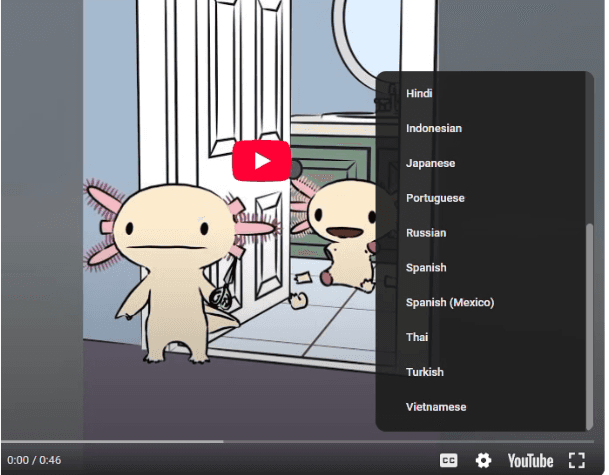
The short will now appear in the video player. Press the gear icon and select the audio track you want to hear.